
Safety Warning
DIY auto repair can cause serious injury, fire, or vehicle damage. These guides are for informational purposes only. Always follow OEM torque specs, wear PPE, and consult a certified mechanic if you are unsure. You are solely responsible for your safety.
2007 Kia Rondo L4-2.4LFACTORY OEM SERVICE PROCEDURE
Scan Tool Testing and Procedures
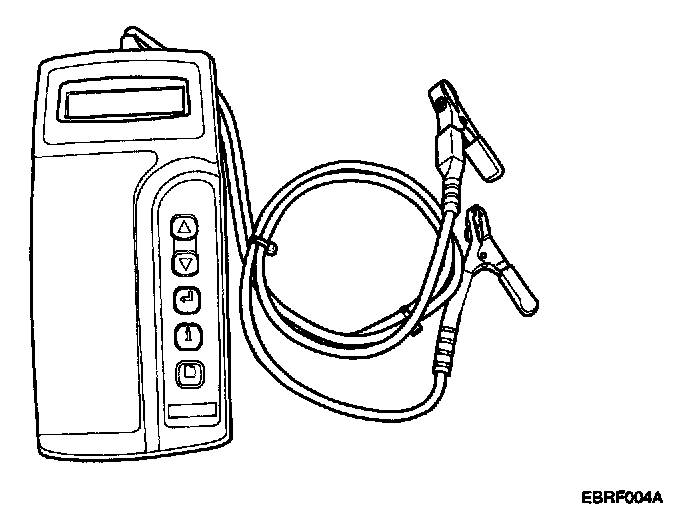
THE MICRO 570 ANALYZER
The MICRO 570 Analyzer provides the ability to test the charging and starting systems, including the battery, starter and generator.
CAUTION: Because of the possibility of personal injury, always use extreme caution and appropriate eye protection when working with batteries.
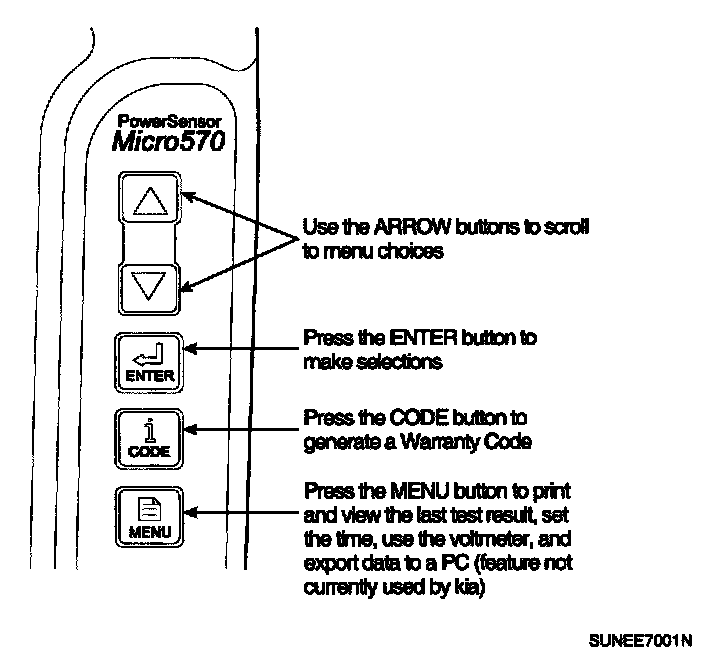
KEYPAD
The MICRO 570 button on the key pad provides the given functions.
BATTERY TEST PROCEDURE
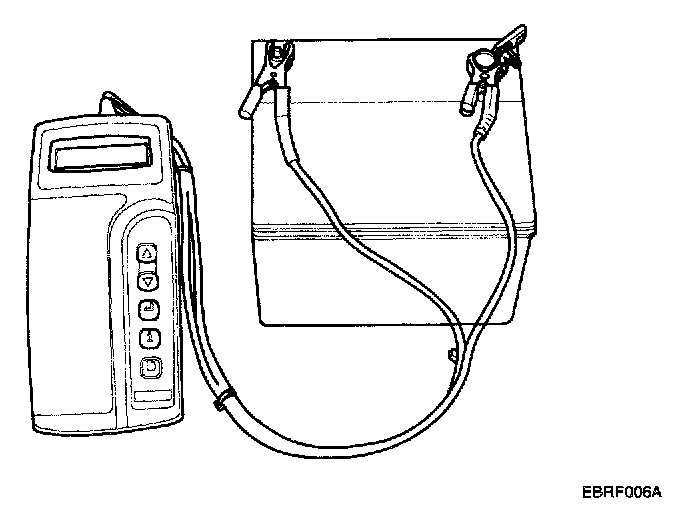
1. Connect the tester to the battery.
- Red clamp to battery positive (+) terminal.
- Black clamp to battery negative (-) terminal.
CAUTION: Connect clamps securely. If "CHECK CONNECTION" message is displayed on the screen, reconnect clamps securely.
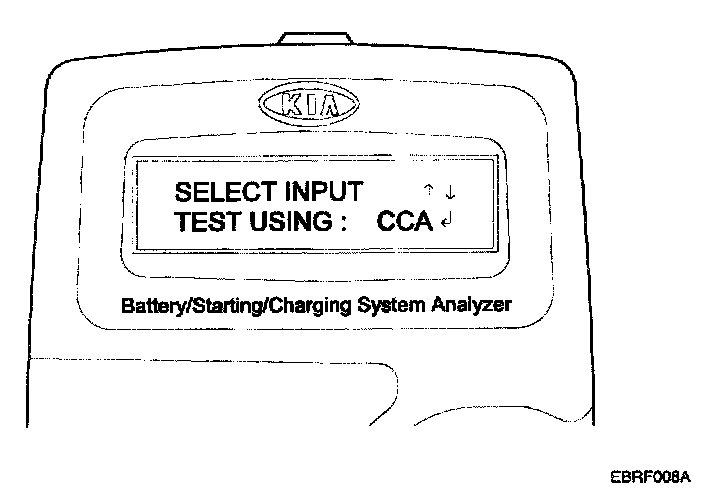
2. The tester will ask if the battery is connected "IN A VEHICLE" or "OUT OF A VEHICLE". Make your selection by pressing the arrow buttons; then press ENTER.
3. Choose either CCA or CCP and press the ENTER button.
NOTE:
- CCA : Cold cranking amps, is an SAE specification for cranking batteries at -18° C (0° F).
- CCP : Cold cranking amps, is an SAE specification for korean manufacturer's for cranking batteries at -18° C (0° F).
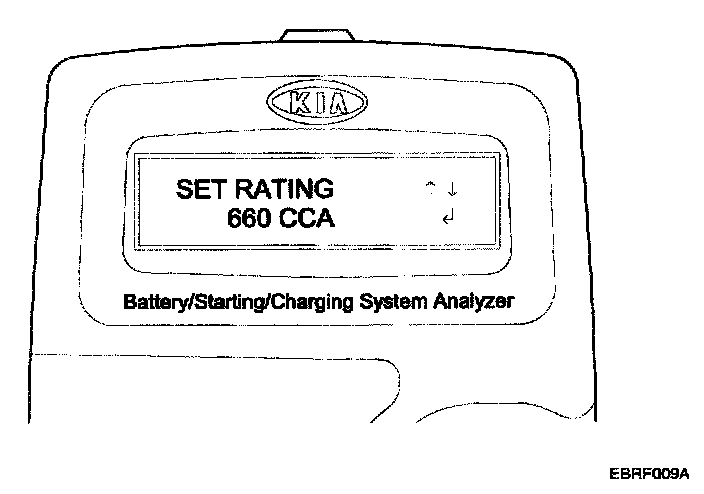
4. Set the CCA value displayed on the screen to the CCA value marked on the battery label by pressing up and down buttons and press ENTER.
NOTE: The battery ratings (CCA) displayed on the tester must be identical to the ratings marked on battery label.
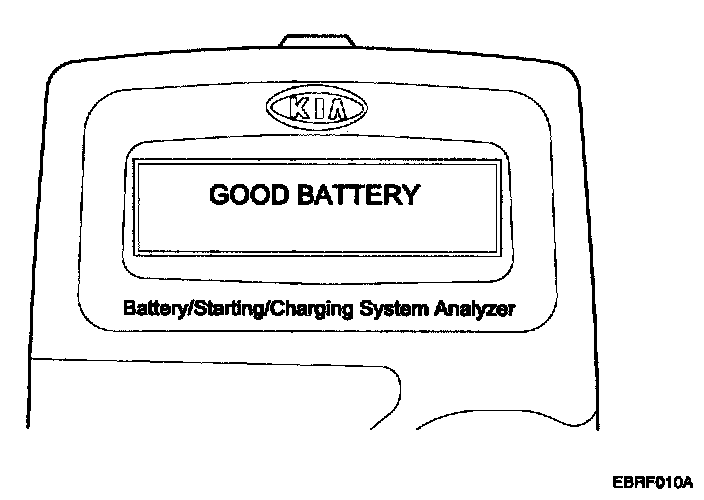
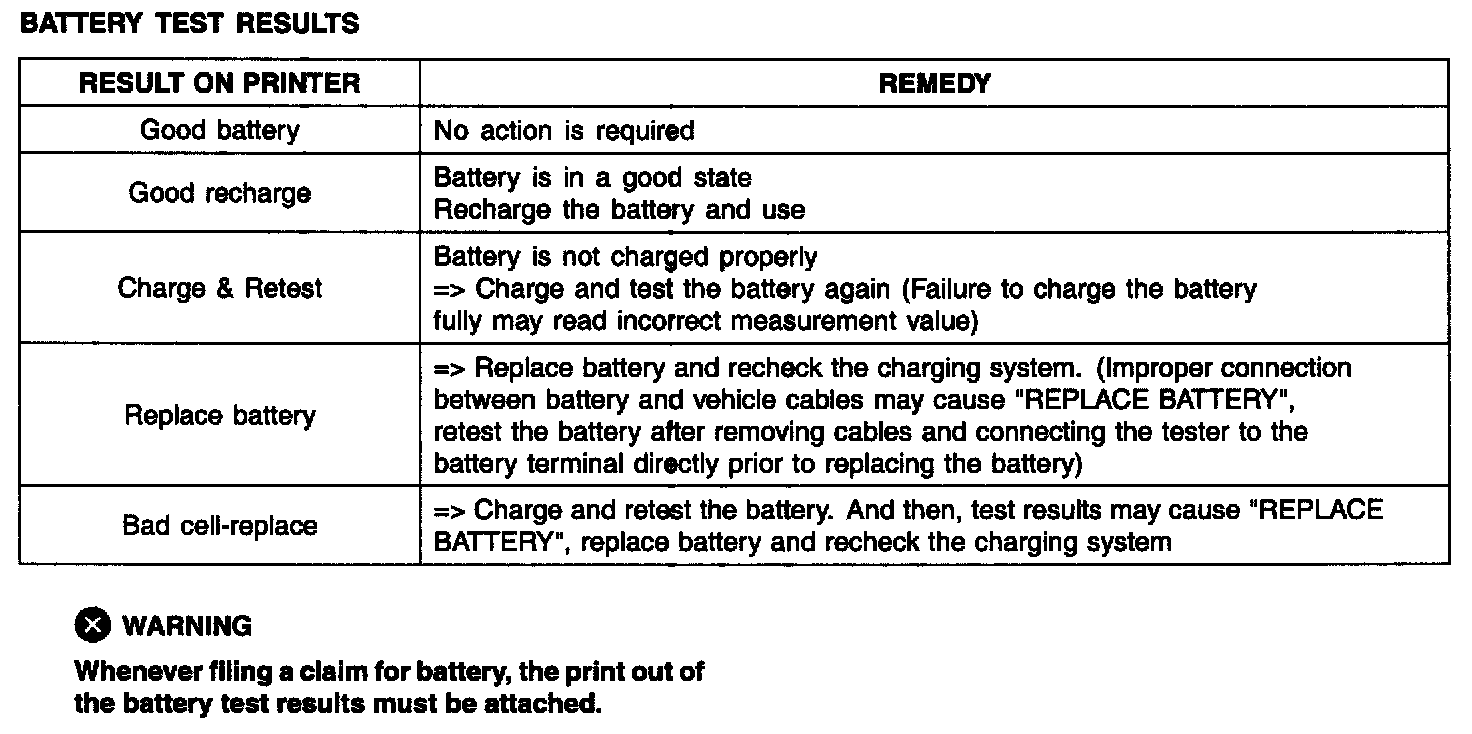
5. The tester (Micro 570) displays battery test results including voltage and battery ratings.
A relevant action must be given according to the test results by referring to the battery test results as shown in the table.
NOTE: The battery ratings (CCA) displayed on the tester must be identical to the ratings marked on battery label.
Battery Test Results:
6. To conduct starter test, press ENTER.
STARTER TEST PROCEDURE
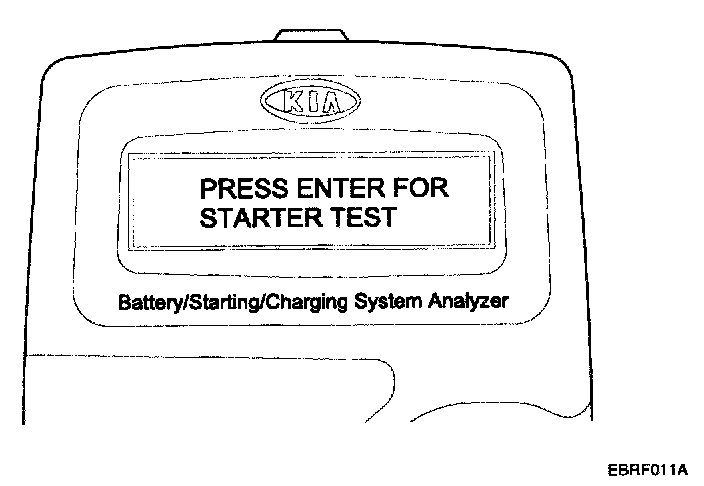
1. After the battery test, press ENTER immediately for the starter test.
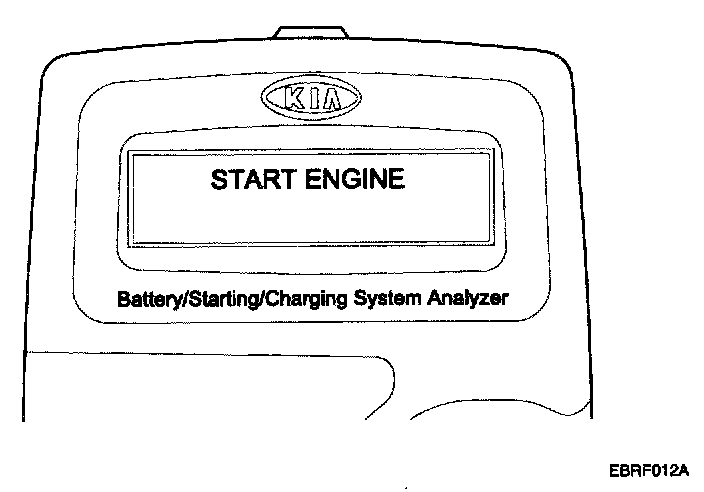
2. After pressing ENTER key, start the engine.
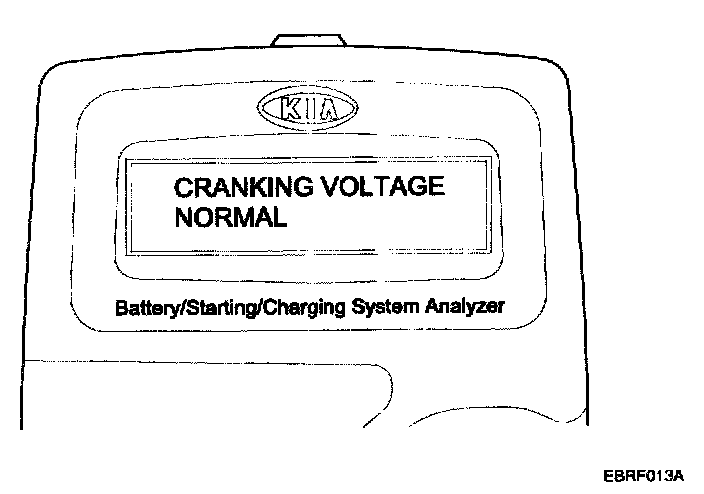
3. Cranking voltage and starter test results will be displayed on the screen.
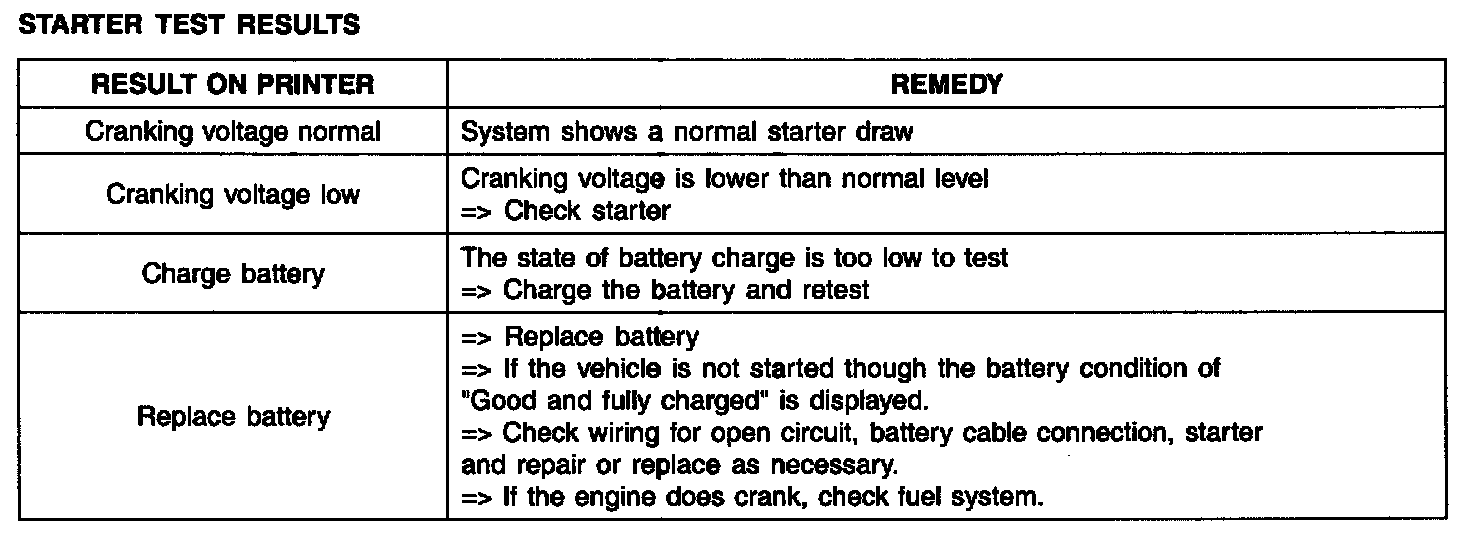
Take a relevant action according to the test results by referring to the starter test results as given.
Starter Test Results:
4. To continue charging system test, press ENTER.
CHARGING SYSTEM TEST PROCEDURE
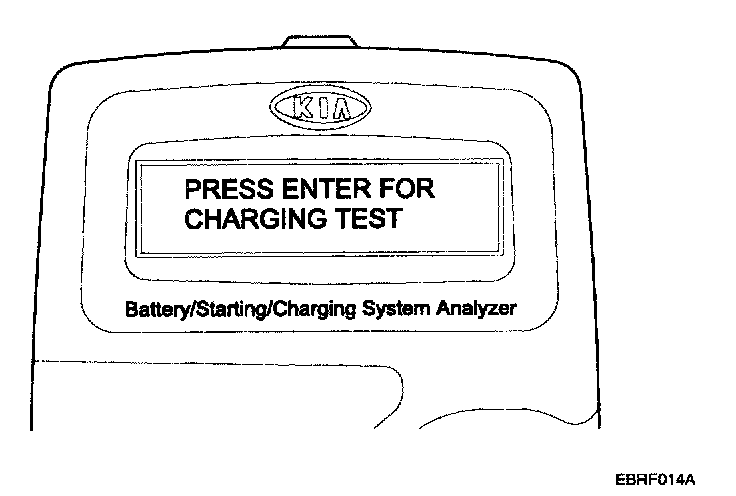
1. Press ENTER to begin charging system test.
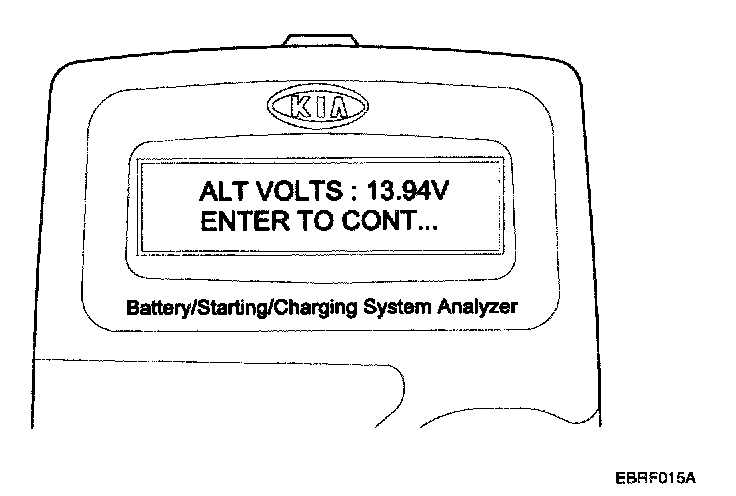
2. ENTER button is pressed, the tester displays the actual voltage of alternator.
Press ENTER to test the charging system.
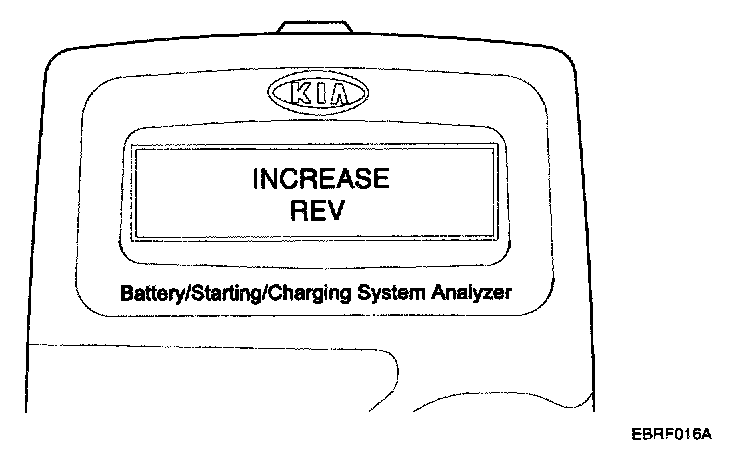
3. Turn off all electrical load and rev engine for 5 seconds with pressing the accelerator pedal.
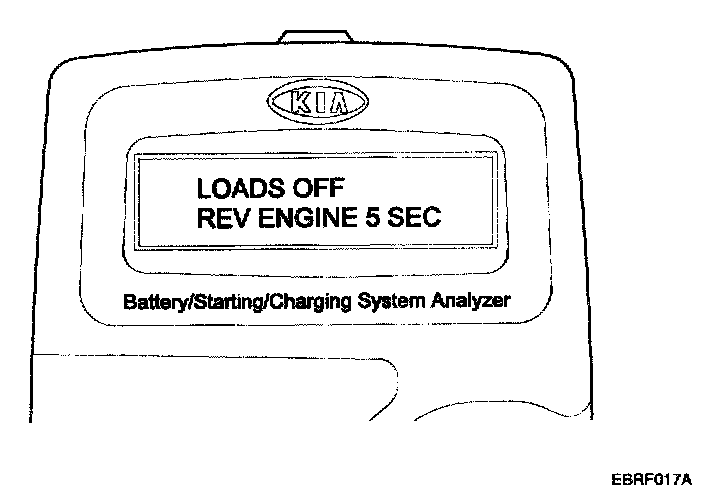
4. Press ENTER.
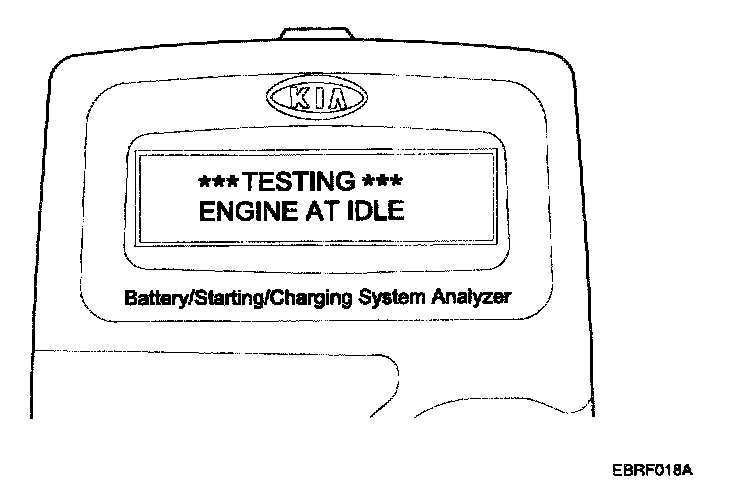
5. The MICRO 570 analyzer charging system output at idle for comparison to other readings.
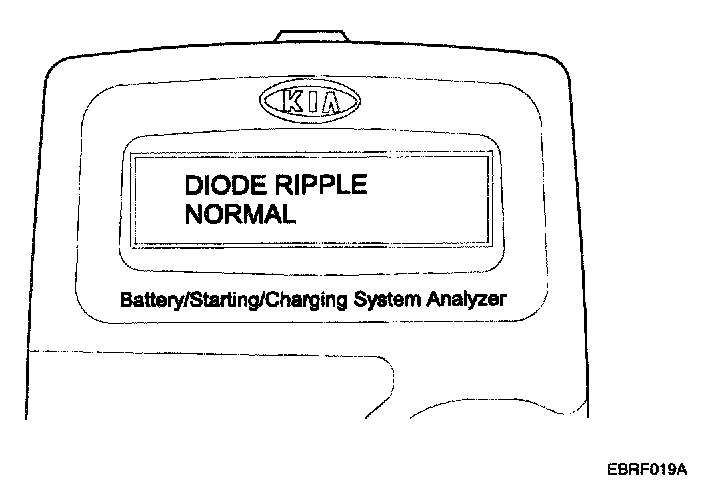
Charging System Test Results:
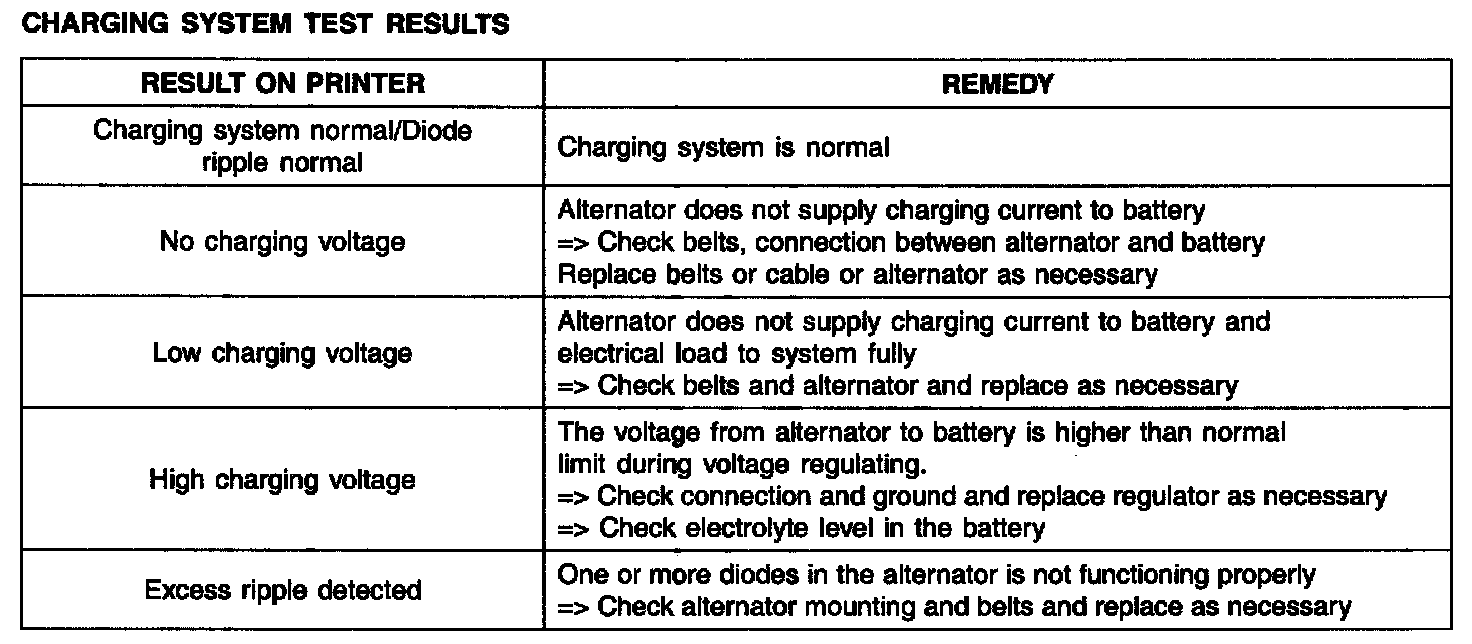
6. Take a relevant action according to the test results by referring to the table after shutting off the engine and disconnect the tester clamps from the battery.
Factory Service Tools
Use the Manual With the Right Hardware
Pair factory procedures with proven DIY tools so the instructions are easier to execute.
Disclosure: Verified tool recommendations may earn an affiliate commission at no cost to you.
When to See a Mechanic
Stop DIY work and contact a certified mechanic immediately if any of the following apply:
- • You smell fuel, burning insulation, or see smoke.
- • Brakes feel soft, pull hard to one side, or make grinding noises.
- • The engine overheats, stalls repeatedly, or misfires under load.
- • You are missing required tools, torque specs, or safe lifting equipment.
- • You are not confident in the next step or safety outcome.